



Mods - Icom 756
Series
|
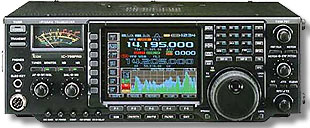
| Icom 756 Filter Mod
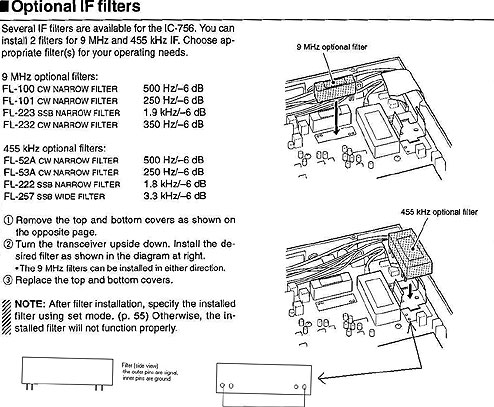
Connect a jumper between the outer pins on the
455 kHz acc filter slot. Then go to setup and select the FL-222
as an acc filter at 455 kHz. Now when you select USB-N or LSB-N
as an operating mode, you will have a 15 kHz bandwidth for monitoring
eSSB audio. This is overkill, as most TX info is less than 6 kHz
due to 3.1 kHz low pass filter (some blow-by occurs, especially
when higher frequencies are enhanced with EQ etc...
|
John M. Anning - NU9N
e-Mail:  |
Apologetics 1 | Apologetics 2 | Audio Glossary | Donate | eSSB Mods | eSSB Ready Rigs | Transmitter Settings for eSSB
File Downloads | News | Radio Connections | Transmitter Settings | Scope Your Audio | Site Map | Site Search | T-Pad Calculator
